What does 🖲️ Trackball mean?
A trackball, the pointing device where you roll a ball with your fingers instead of sliding a mouse around. It is one of the rarest object emojis in everyday chat, so it mostly appears in retro computing talk, arcade nostalgia, or ergonomics discussions among people who swear by trackballs for wrist comfort. Some users mistake it for a joystick or a big control button. When you simply mean clicking, 🖱️ is clearer.
🖲️ Trackball is an emoji from the Objects category (computers & electronics), added in Emoji 0.7 in 2014.
Example messages
🖲️ Trackball on Apple, Google, Microsoft & more
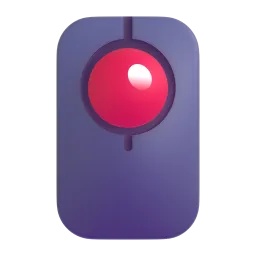
The code is the same everywhere, but every company draws its own artwork. This is how Trackball looks on each platform.



More computers & electronics emojis
See all 14 →Trackball emoji: questions & answers
How do I copy and paste the Trackball emoji?
Press the Copy button at the top of this page and 🖲️ is copied to your clipboard. Then paste it anywhere with Ctrl+V, Cmd+V or a long press on your phone. In Slack, Discord and GitHub you can also type the shortcode :trackball:.
When was the Trackball emoji added?
🖲️ Trackball was added in Emoji 0.7, released in 2014. It is supported on all current versions of iOS, Android, Windows and macOS.
Why does 🖲️ look different on my phone?
Every platform draws its own artwork for Trackball. The underlying code (U+1F5B2 U+FE0F) is the same everywhere, so the person you send it to always gets the same emoji, just in their device’s style. Compare the designs in the platform section above.